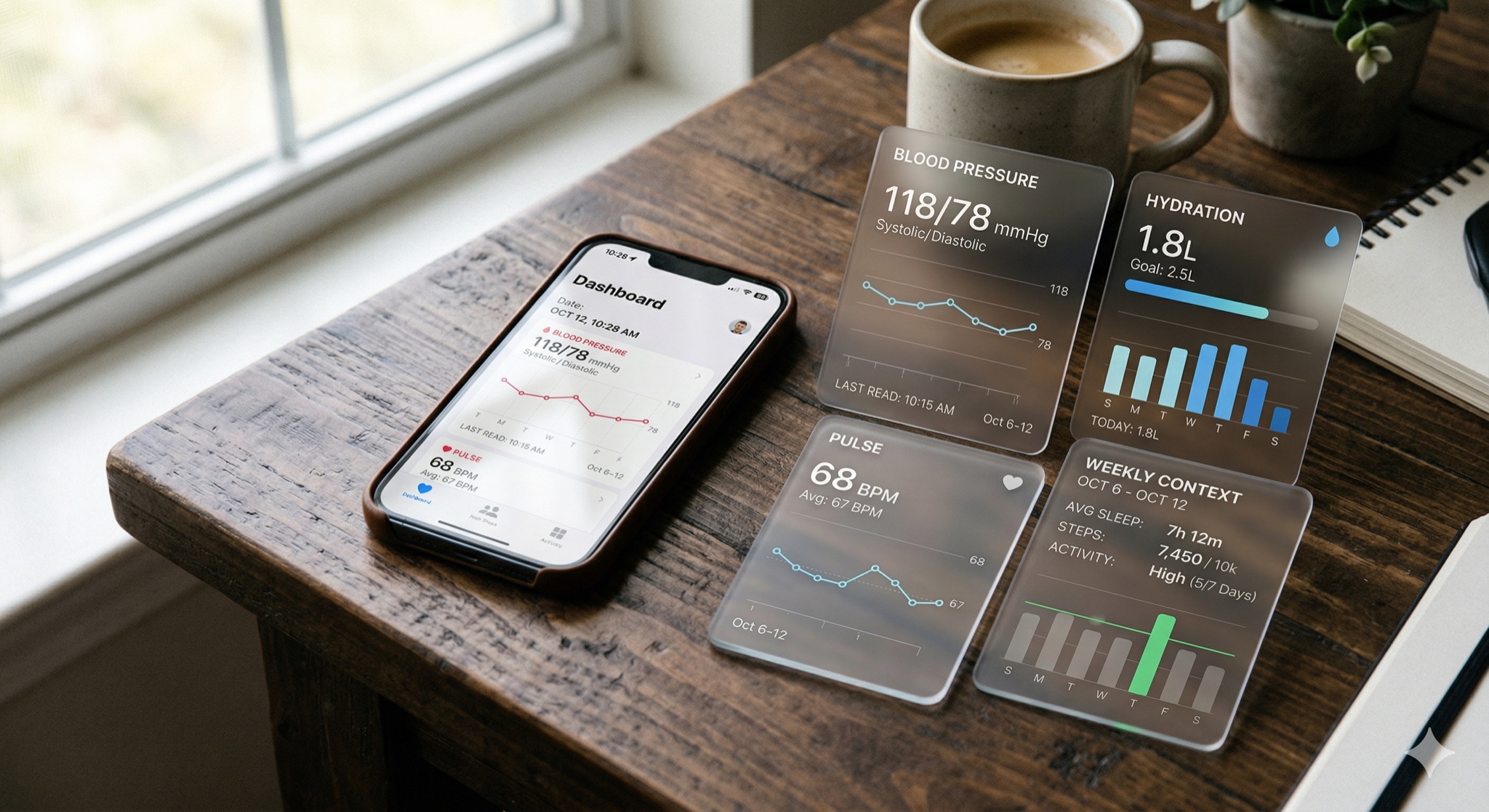
Feature Deep Dive: Health Tracker Dashboard in Daily Use
6 min read • Published February 4, 2026 • Updated September 22, 2026
By the Blood Pressure Editorial Team · Sources listed below · Editorial policy
Key takeaways
- The dashboard is designed for pattern recognition, not minute-by-minute monitoring.
- Start by reviewing blood pressure trend direction, then layer pulse and routine context.
- Compare readings taken under similar conditions, such as morning with morning or one weekly window with the next.
- Focused comparisons are easier to interpret than a mixed timeline.
Detailed guide
The dashboard is designed for pattern recognition, not minute-by-minute monitoring. Start by reviewing blood pressure trend direction, then layer pulse and routine context.
Compare readings taken under similar conditions, such as morning with morning or one weekly window with the next. Focused comparisons are easier to interpret than a mixed timeline.
Translate each review into one concrete action for the next week. Examples include fixed sleep window, lower-sodium meal prep days, or reminder timing changes.
The most effective users keep the dashboard simple: review weekly, act on one priority, then reassess.
Why this matters
- A small number of repeatable views can make a daily log easier to review without implying a diagnosis.
- Product guidance should match the features and limitations shown in the current app and App Store listing.
7-day routine to try
- 1.Choose one consistent time to review your recent entries.
- 2.Keep blood-pressure readings separate from camera-based pulse estimates.
- 3.Use reminders only when they fit your actual schedule.
- 4.Bring persistent concerns to a qualified healthcare professional rather than interpreting the dashboard as a diagnosis.
Common pitfalls to avoid
- Treating a wellness dashboard as a medical record or diagnostic tool.
- Changing several habits at once and losing track of useful context.
- Assuming an app feature is available without checking the current version and region.
Trusted references
Sources used for the claims and safety boundaries on this page. A source list does not mean the article has been medically reviewed.
-
Blood Pressure Monitor: BP App listing
Apple App Store
-
Home blood pressure monitoring
American Heart Association